
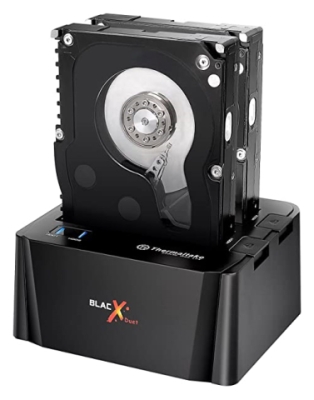
Access two drives at once!
Overall
Summary
Excellent tool to easily access two drives at once; can transfer files between drives too.
Pros
Easy to use, can use two drives at once, works with 2.5″ and/or 3.5″ drives and has individual eject buttons.
Cons
May need to remove screws from the sides of drives for easy fit.
We recently reviewed the StarTech USB to SATA Hard Drive Duplicator which allowed us to easily duplicate a drive to another while also providing quick access to two drives at once. Now we have the chance to see how this Thermaltake BlacX Duet eSATA & USB Docking Station holds up.
I do want to point out that these are similar but also different in the sense that the StarTech is mainly a duplicator with dock capability but the Thermaltake is a dock only. With this Thermaltake docking station, you don’t need to slave an internal hard drive or even connect using a USB cable anymore. This will save a lot of precious time for anyone. This hard drive docking station usually retails for $69.99 but you can probably find great deals if you search sites like amazon.com or bestbuy.com (the lowest I found it for was $48.36).
DESIGN, CONTROLS AND THE PACKAGE
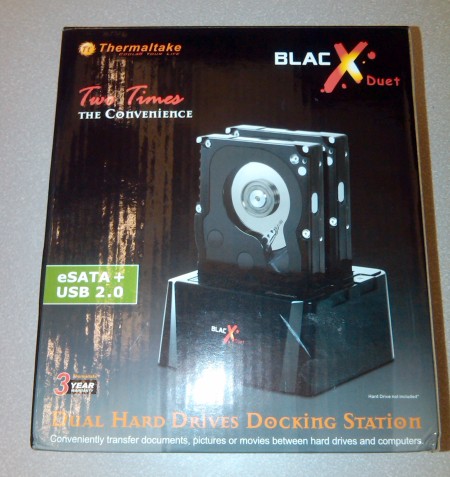
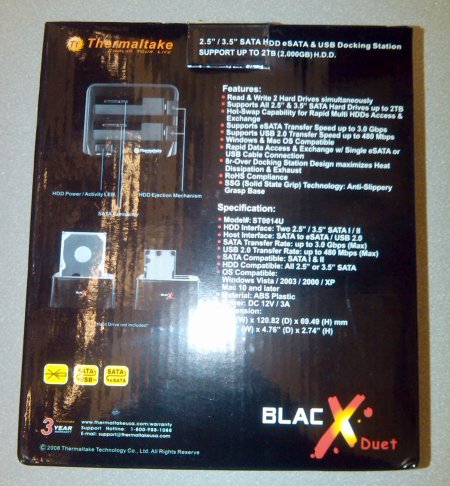
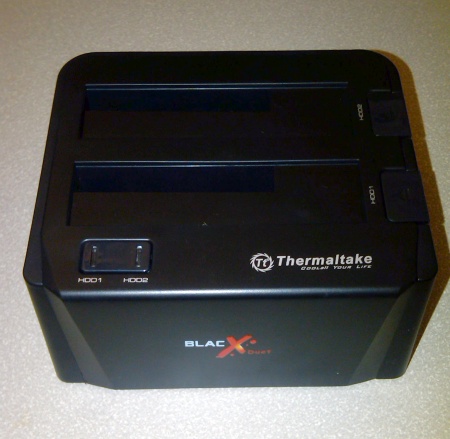
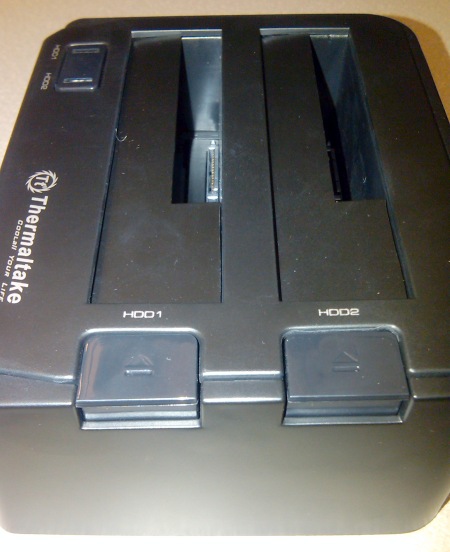
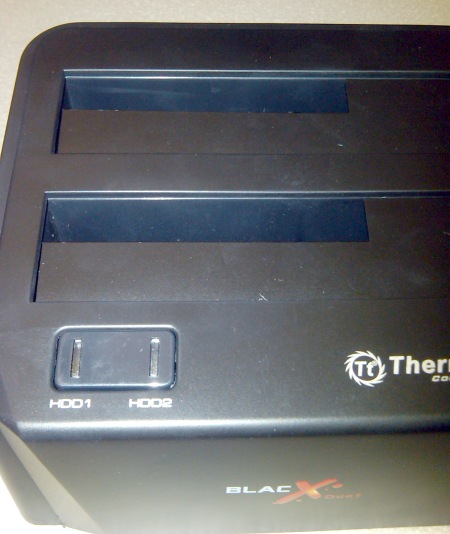
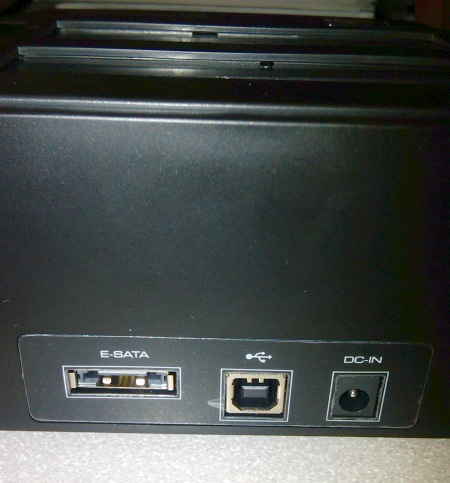
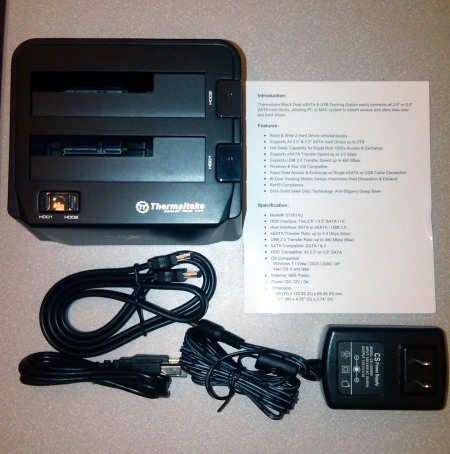
The Thermaltake BlacX Duet Docking Station (ST0014U) is capable of docking two 2.5″ or 3.5″ (or mixed) hard drives at the same time. There is a power button on the front panel that turns both drives on or off at the same time. There are two eject push buttons to remove the drives (when powered off to avoid damage to the drives). Then there is a power connector, a USB 2.0 port, and an eSATA port on the back of the unit. This hard drive docking station is small enough to fit on any desk or work station (5.51″ (W) x 4.76″ (D) x 2.74″ (H)). The package includes the ST0014U hard drive dock, one AC power adapter, a USB type A-B cable, an eSATA cable, and an instruction manual (that you really don’t need to use this device). The unit is pretty self-explanatory and easy to use.
THE TEST
I used a Hitachi HTS541612J9SA00 5400RPM 120 GB SATA (2.5″) hard drive as HDD1 and I used a Hitachi Deskstar HDS728080PLA380 7200RPM 80 GB SATA (3.5″) drive as HDD2 (note I did not pre-format or erase data from the destination drive). I inserted both hard drives in the appropriate slots (HDD1 and HDD2; but it doesn’t really matter) and pressed the power button. It takes a few seconds to power up and recognizes both drives (the blue led indicator lights will flicker when you transfer files to and from the drives).
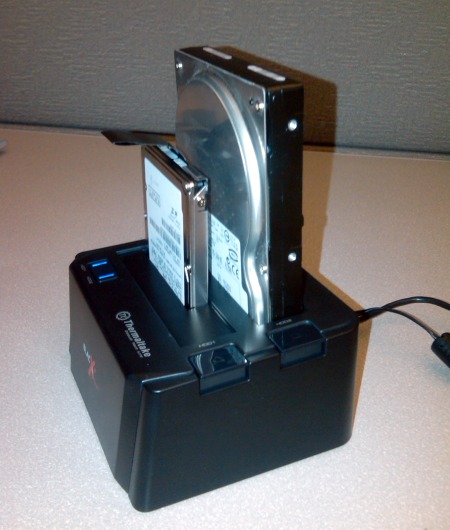
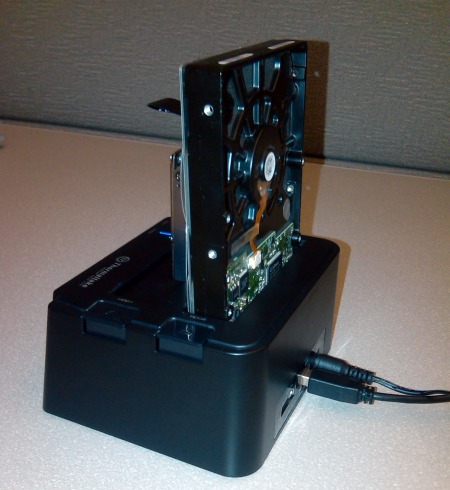
I used HD Tune Pro to test the data transfer rates of both drives and below are the results that I got :
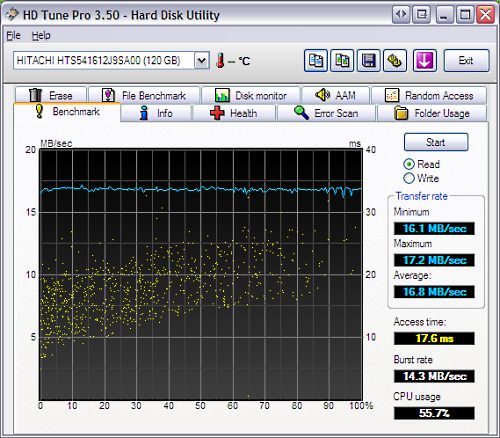
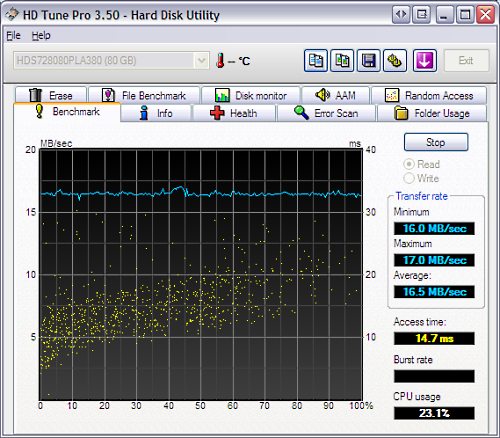
So basically both drives read at around an average transfer rate between 16.5 MB/s and 16.8 MB/s. Random access times averaged between 14.7 ms to 17.6 ms. Both of these tests showed that these transfers do use up a lot of CPU resources, but this wouldn’t be the case if we used the eSATA connection. Unfortunately, I was not able to test using eSATA because my test system did not have an eSATA port.
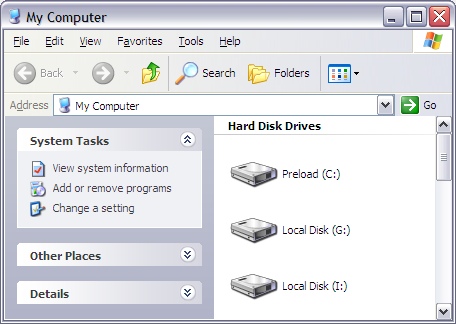
So I used a different system and received the following results for the same hard drives. The average transfer rate was between 35MB/s and 40MB/s. But the random access times stayed pretty much the same. CPU usage on the other hand was much less this time when compared to transferring using a USB connection.
FINAL THOUGHTS
I have used this Thermaltake BlacX Duet Hard Drive Docking Station to copy files between two drives and also to repair damaged drives. Instead of spending hours installing, booting, and then copying or repairing data, I was able to accomplish the same task in a fraction of the time. This will save you time, money, resources, and makes you more productive and efficient (which comes in handy during these hard economic times). And you can do all of it without installing a single driver or software. Just insert two drives, press a button and you will have instant access to your data to do as you please. For a mere 50 to 60 dollars, you can own one of these and not have to worry about wasting time. I would highly recommend this SATA hard drive docking station to anyone in the need for quick and easy hard drive access.