
Quiet and Powerful!
Overall
Summary
The quietest cooling fans I have used so far.
Pros
Ultra quiet at full speed. Multiple speed adapters. Vibration compensators.
Cons
Somewhat difficult to install on your CPU cooler. LED’s would be nice.
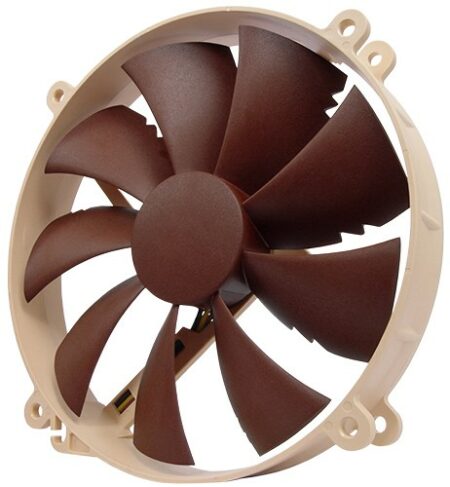
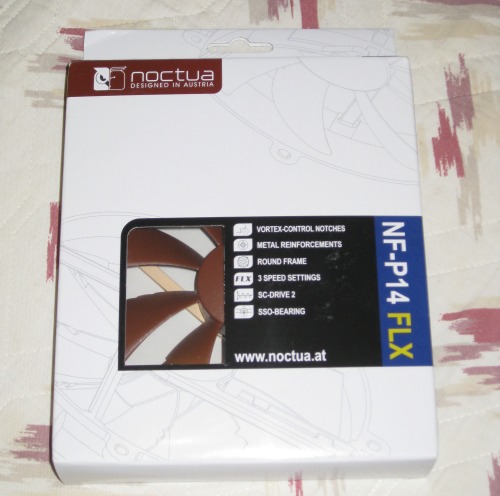
Keeping the CPU cool is one of the most important parts of any computer system. Keeping the air flowing in the case is also very important. Most CPU cooling fans are fast but loud also. If you want to keep your computer cool and quiet at the same time, then take a look at this Noctua NF-P14 FLX cooling fan.
I installed this fan in the case as I had a hard time getting it to fit my CPU cooler (the Spire TherMax II). I replaced one of the case fans with this one and my CPU fan with the Noctua NF-S12B FLX and now my computer only quietly whispers instead of sounding like an airplane taking off. So let’s check out how the NF-P14 FLX works and what it does.
LOOK AND FEEL
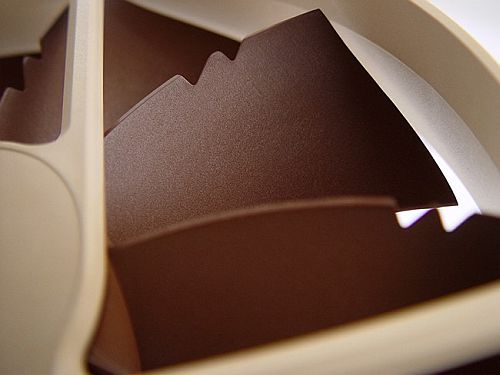
The NF-P14 FLX is a very highly optimized 140mm cooling fan that uses Vortex-Control Notches for ultra quietness and outstanding aerodynamic efficiency. The round design is okay for case installations but may not work well enough for CPU cooler installation. Maybe it didn’t fit well in my case because my Asus M2N-E motherboard has the RAM slots right next to the CPU and that this fan touched the memory sticks when installed on the CPU cooler.
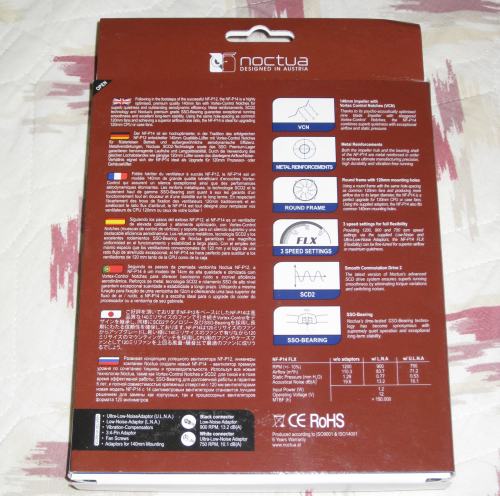
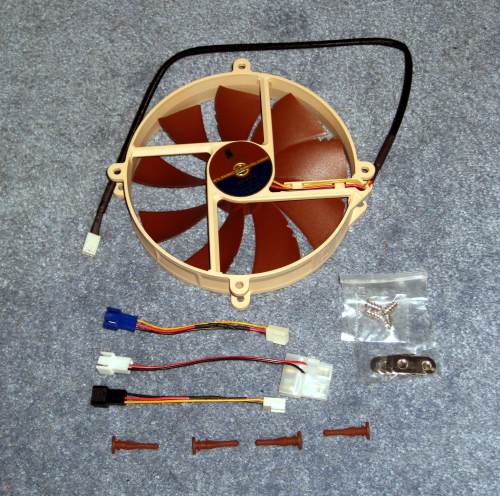
So I decided to install it right above the CPU cooler on the case itself to replace a very loud fan that came with the Azza Helios 910R case. It installed fine on the case and works flawlessly without any sound. It pushes plenty of air out from inside the case and also has an option to run slower if you want it to be even quieter (basically if you do not overclock and just want a quiet fan). You can install this fan with regular screws or with vibration compensators (easier). It comes with two additional adapters: an Ultra-Low Noise adapter that will run the fan at a maximum of 750 rpm and the Low Noise adapter that will run the fan at 900 rpm max. The standard adapter will run the fan at the maximum 1200 rpm for the best cooling performance possible with this fan. This cooling fan uses SSO bearing for long life and virtually no noise while spinning. The fan blades are uniquely engineered for the best and the quietest possible performance.
PERSONAL EXPERIENCE
While this is a 140mm fan, it fits into the holes for a 120mm fan. I installed this fan on the top section on the Azza case that blows air straight out. I didn’t use the installation adapter because this just fit easily in the 120mm holes. But if you wanted to you could use the little metal adapter clips and mount this in the 140mm holes. I used screws instead of vibration compensators as it felt more secure, but I will eventually try them out to see the difference. It fit fine without any issue right on top of the CPU cooler. My computer used to be really noisy because the Azza case had a huge fan on the top and the Spire TherMax II also had a very high-speed fan that made lots of noise. So after installing this fan and the Noctua NF-S12B FLX on the Spire CPU cooler, my whole system is whisper quiet. Sometimes I feel like I am overheating the computer because I don’t hear the fans so loud anymore. So I keep SpeedFan v4.40 running most of the time to monitor the temperatures until I am completely satisfied and leave it alone. I would say that my system is running as cool as it did with louder fans as it is with this NF-P14 FLX cooling fan. These fans are well built, are nice and sturdy, and have fan rotation and airflow direction markers on the side. I like the different colors that Noctua chose for their fans–stands out and looks good (black is so last decade).
FINAL THOUGHT
I am glad I got the chance to try out this Noctua NF-P14 FLX cooling fan. I had read that these were one of the quietest fans available and now I truly believe. This is an excellent choice if you need some additional cooling in your system without increasing the noise that is generated. Now if we could just add some LED’s to the fan, gamers and enthusiasts would certainly adopt it quicker. The different speed adapters are very nice and you can choose one that suits you best. These are only about $30 online so don’t wait and make your system quiet and cool at the same time. We highly recommend this fan to anyone looking for exceptional cooling power with the packaged noise as with other cooling fans.