
Cool, Quiet and Efficient!
Overall
Summary
One of the best notebook coolers available today.
Pros
Cools very nicely. Quiet and light weight design. Easy to use and setup. On/Off switch is a nice touch. Not expensive!
Cons
None so far!
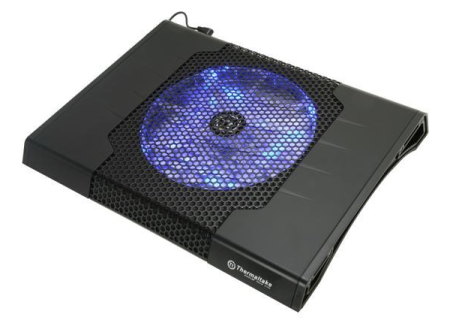
Almost every household has at least one laptop nowadays and heat is the worst enemy of any computer. So to keep your laptop cool, you will need to get a nice notebook cooler like the Thermaltake Massive23 ST.
While it is not as portable as you would like it to be, it is one of the best choices for cooling your notebooks out there today. You can sort of use this Thermaltake cooler as a laptop stand but with the added benefit that it keeps your laptop running cool. The Massive23 ST is very lightweight and has a huge 200mm cooling fan that will keep almost any notebook or netbook cool. So let’s see what this baby can do.
LOOK AND FEEL
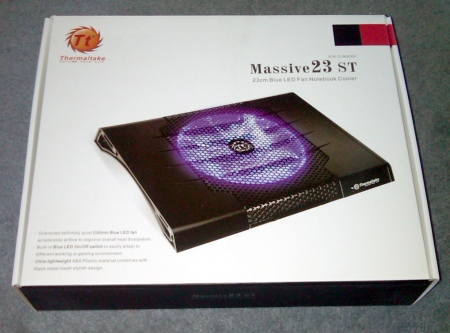
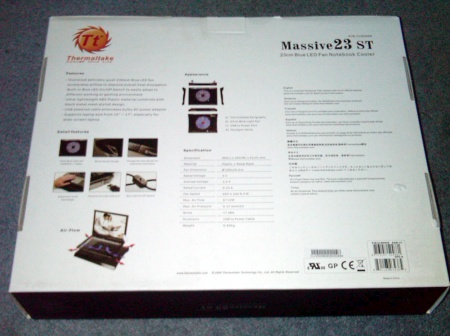
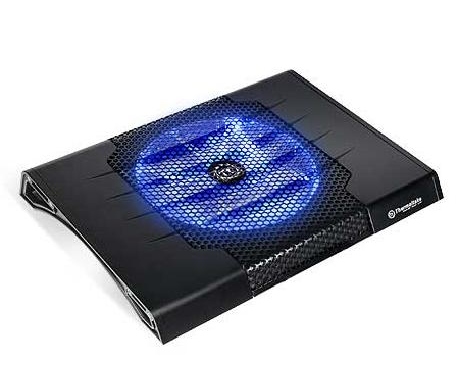
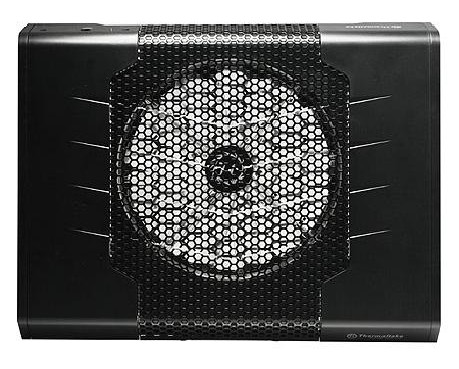
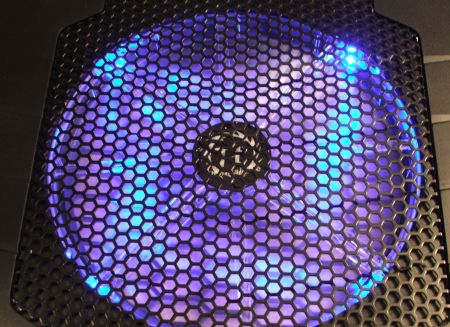
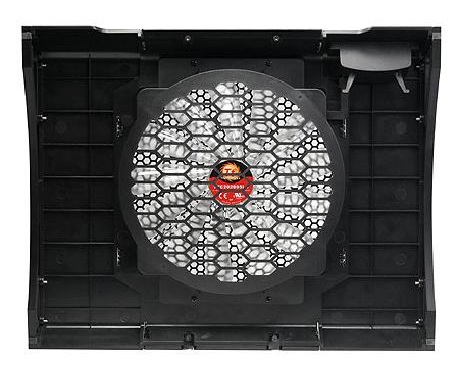
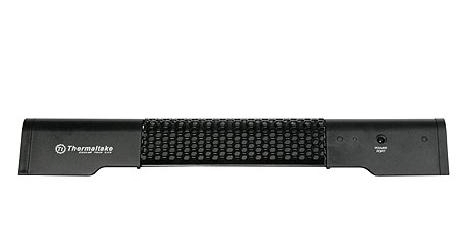
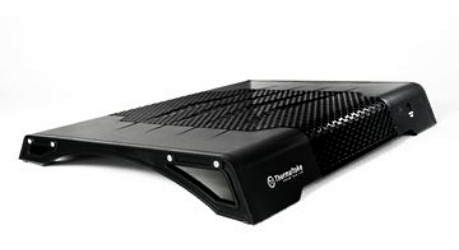
The Massive23 ST comes stylishly packaged in a cool box with lots of pictures, specifications, and all about what this cooler can do. The power port and LED lights are on the back of this unit. There are no buttons on the unit itself. The On/Off switch is actually on the USB power cord, which is a nice touch. From the top, all you see is the big 23 cm fan and the Thermaltake logo. You can get a better view of how massive the fan actually is from the bottom. This cooler can accommodate any notebook or netbook with display sizes within 10 and 17 inches.

USAGE AND TESTING
Setting up and using this Massive23 ST is very simple. Just place it on any flat (somewhat flat will work also), plug in the USB power connector to an available port on your notebook or netbook, and flip the power switch to turn it on. You will notice the LED light come on and the fan starts to spin. You will also notice that the fan is not loud at all. You will barely hear it.
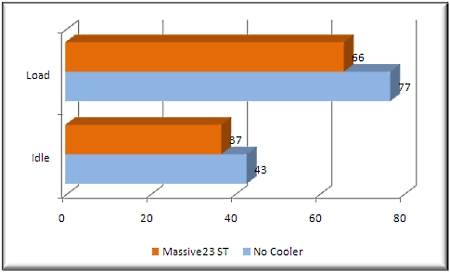
To test this notebook cooler, I will measure the temperatures of the CPU at both idle and on load (using SpeedFan 4.39 to measure the temperature) with and without the cooler. To test at idle, I will leave the computer running for an hour without running anything and then take the temperature measurements. To test at load, I will use CPU Burn-in 1.01 for an hour to load the CPU at 100% and then record the temperatures. I will be using my Lenovo Thinkpad x301 laptop to perform these tests.
RESULTS
At idle, my laptop ran at 43oC without any cooler and at 37oC with the Massive23 cooler. At loader, my laptop ran at 77oC without any cooler and 56oC with. So as you can see, the Thermaltake Massive23 ST performed pretty well and actually does run your notebook or netbook about 15% cooler than without any additional cooling.
FINAL THOUGHTS
The Thermaltake Massive23 ST is without a doubt a very impressive notebook cooler. It is easy to use and it does not disrupt typing or interfere with the view on the LCD. It is designed to look good and also to be easily stored. The lightweight design also makes is somewhat portable but the size may be a little restrictive. The huge 200mm fan is virtually silent and will keep your computer running cool. A nice touch in my opinion is the On/Off switch on the power connector itself instead of on the cooler. You can easily reach to turn this unit on or off. Considering the low cost of ownership of this cooler, I don’t see any reason not to buy this. I was very pleased with the cooling that this Massive23 provided and also how it looked while in use. I would highly recommend this notebook cooler to anyone looking to improve the cooling on their notebooks or netbooks. I didn’t come across any issue with this unit, therefore the 5 out of 5 star rating.